Using the Test Network⚓︎
This page explains how to switch the Symbol Mobile Wallet App between mainnet and testnet.
Mainnet is the live Symbol network, where transactions use funds with real value. Testnet is a separate network used for testing and learning. It works like mainnet, but uses test funds that have no real-world value.
Using testnet is a good way to get acquainted with the blockchain without risking real funds. You can get testnet XYM from the Getting Testnet Funds from the Faucet guide.
Mainnet and testnet are separate
Mainnet and testnet are independent networks. Your accounts, balances, and transaction history on one network will not be the same on the other.
Prerequisites⚓︎
-
Make sure you have installed the Symbol Mobile Wallet. If you have not done that yet, see the Installing the App guide.
-
You must already have a wallet set up and unlocked in the app. See Creating a Wallet or Importing a Wallet if needed.
How to Use a Test Network⚓︎
Follow these steps to switch between mainnet and testnet:
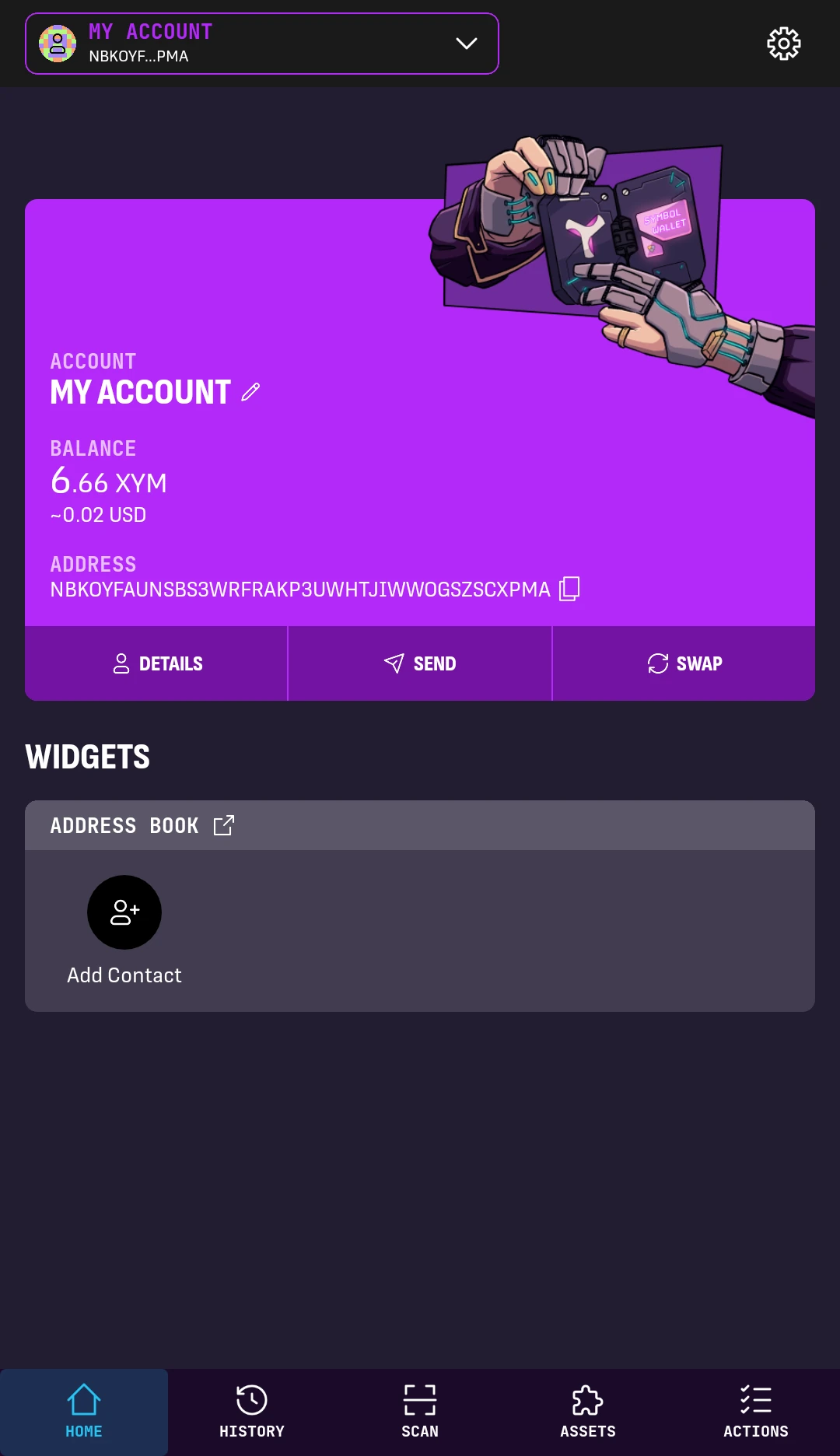
1. From the wallet's HOME screen, tap the Settings button in the top-right corner.
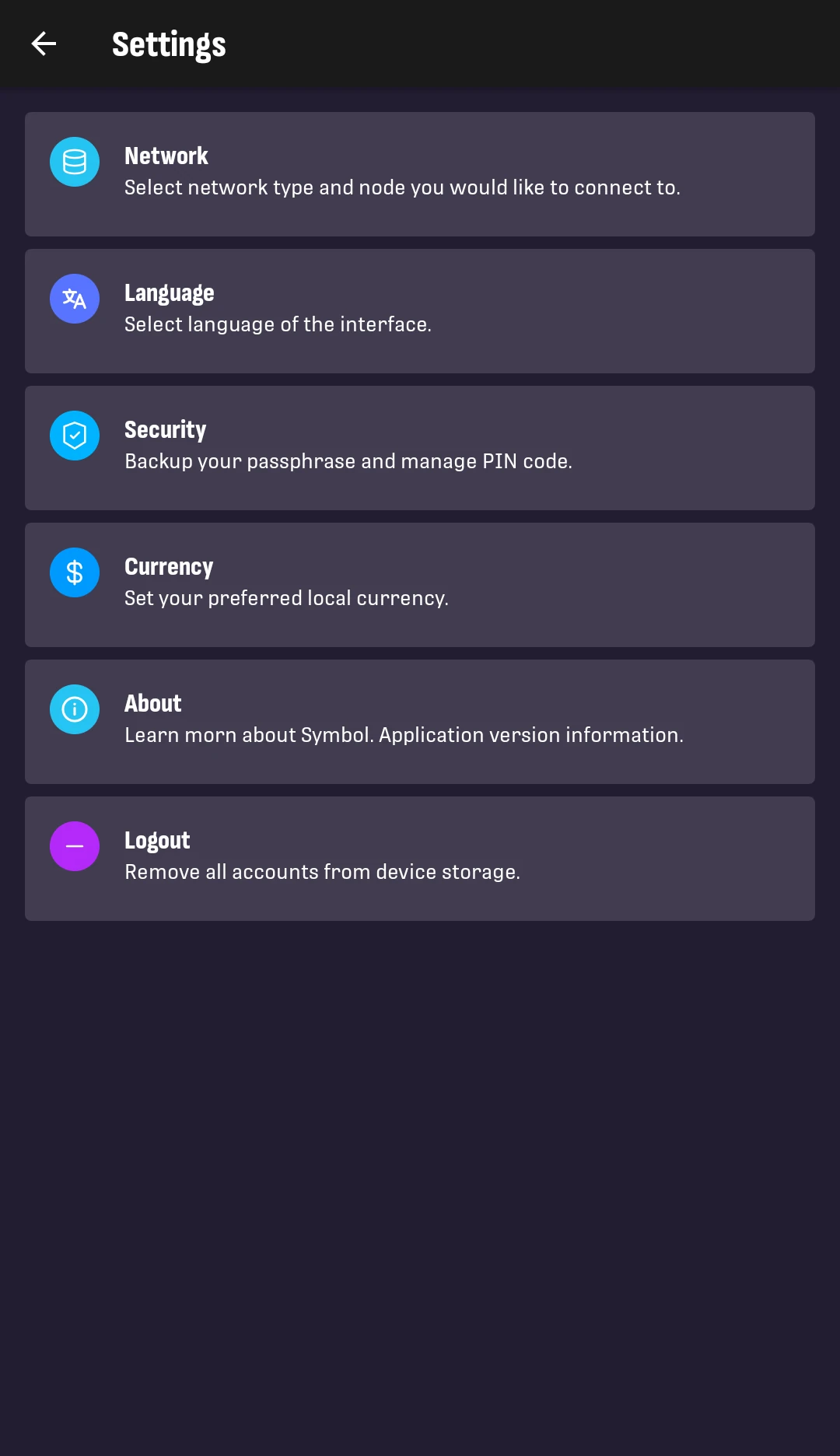
2. Tap Network.
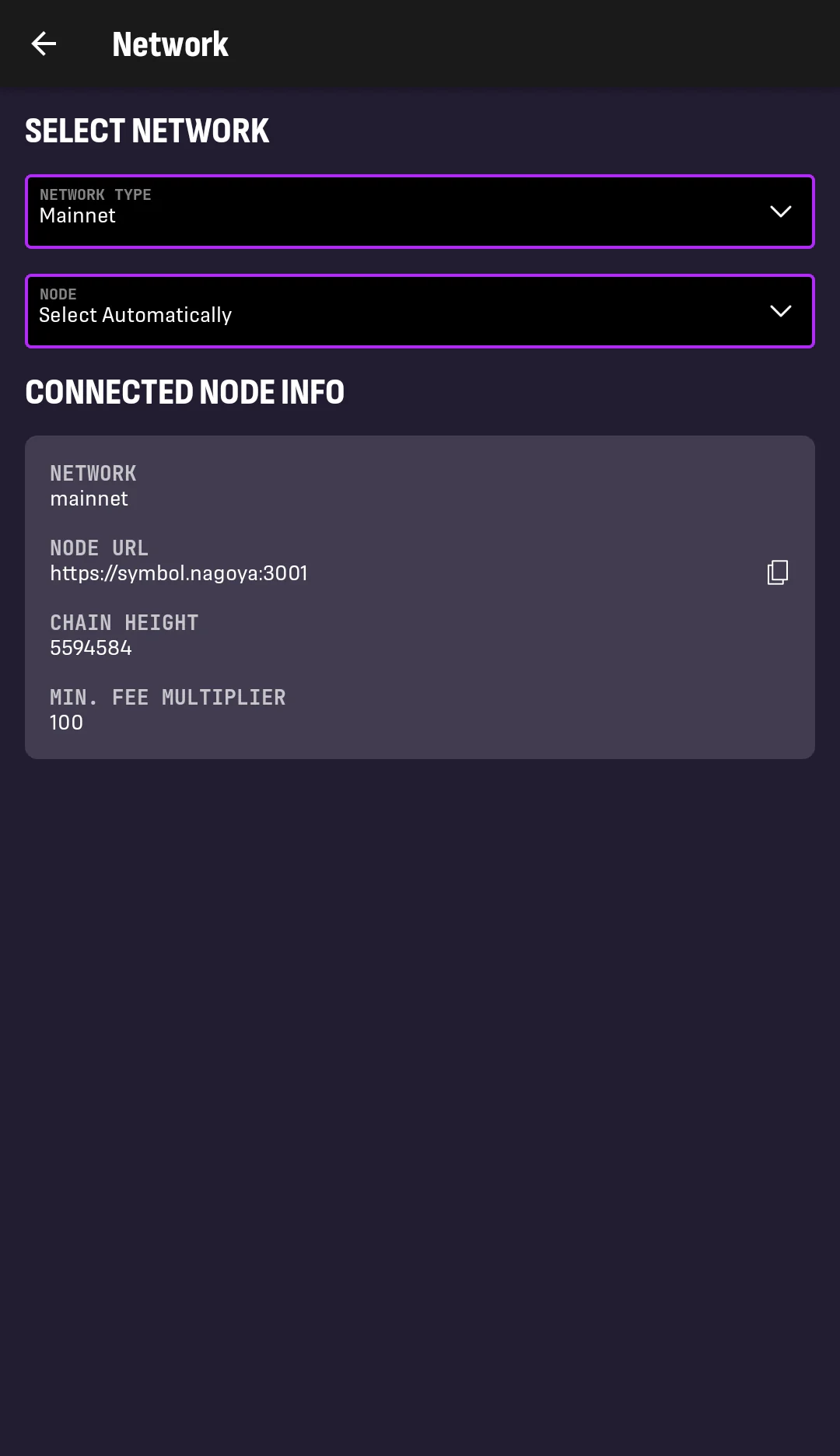
3. Tap the NETWORK TYPE dropdown.
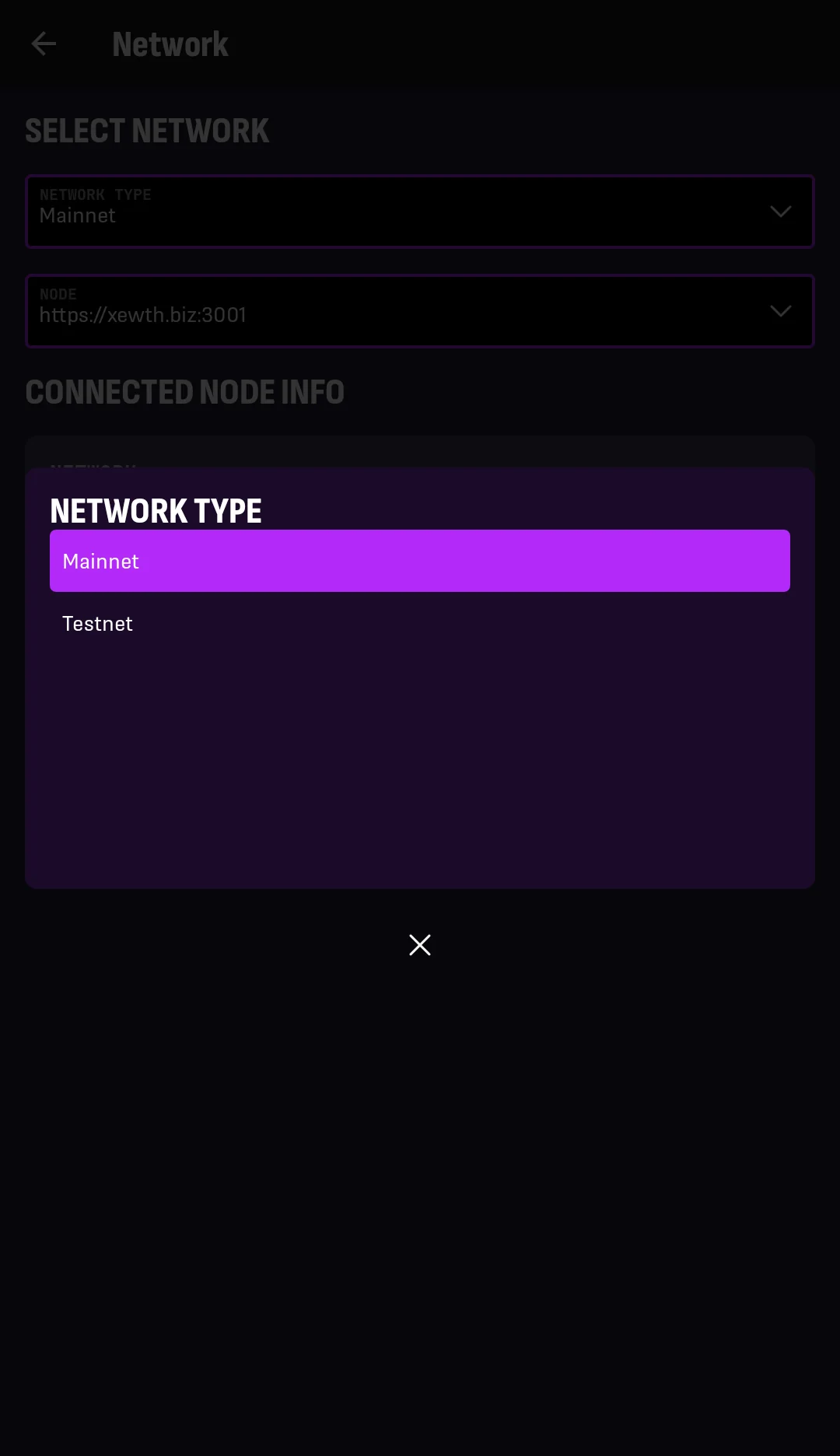
4. Select the network you want to use.
After a few seconds, you are taken back to the Network screen. The CONNECTED NODE INFO box will show updated information for the selected network.
Your mainnet and testnet accounts may be different, even when they come from the same wallet. They belong to different networks and have independent balances and transaction histories.