Enabling Harvesting⚓︎
This page explains how to enable harvesting from the Symbol Mobile Wallet App.
Harvesting is the process by which nodes create new blocks and distributes rewards to participating accounts. With delegated harvesting, your account can take part by delegating harvesting duties to a node you do not own. Your funds stay in your account, and the node harvests on your behalf, taking a percentage of the rewards.
The Symbol Mobile Wallet only supports delegated harvesting. Other types of harvesting require running your own node. See the Harvesting page for the full explanation, or the Shoestring Node Operation guides if you want to run a node yourself.
How to choose a node
Before starting, find a node to delegate harvesting to. Open symbol.fyi/nodes, click on a node's Public Key to open its details, and copy its API ENDPOINT.
The choice of node is not relevant to your account, as long as the node operates normally. Select one that passes all its API NODE STATUS checks in the details screen of the node explorer.
Prerequisites⚓︎
-
Make sure you have installed the Symbol Mobile Wallet. If you have not done that yet, see the Installing the App guide.
-
You must already have a wallet set up and unlocked in the app. See Creating a Wallet or Importing a Wallet if needed.
-
The account must hold at least 10,000 XYM.
-
The account must have enough XYM to pay the transaction fee for enabling harvesting.
-
You must have the selected node's API ENDPOINT.
How to Enable Harvesting⚓︎
Follow these steps to enable delegated harvesting:
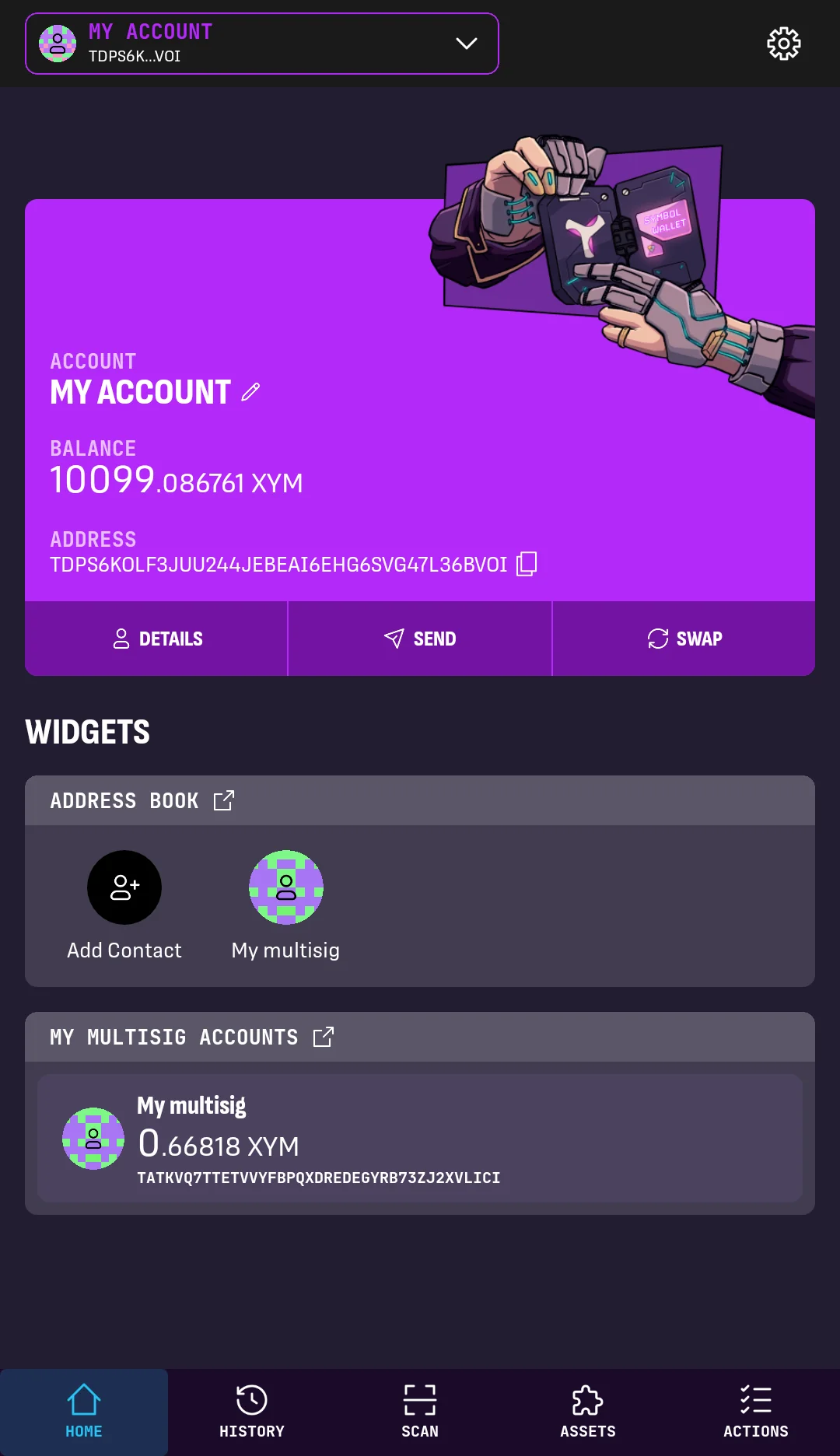
1. From the wallet's HOME screen, make sure the selected account has at least 10,000 XYM.
Tap ACTIONS in the bottom-right corner.
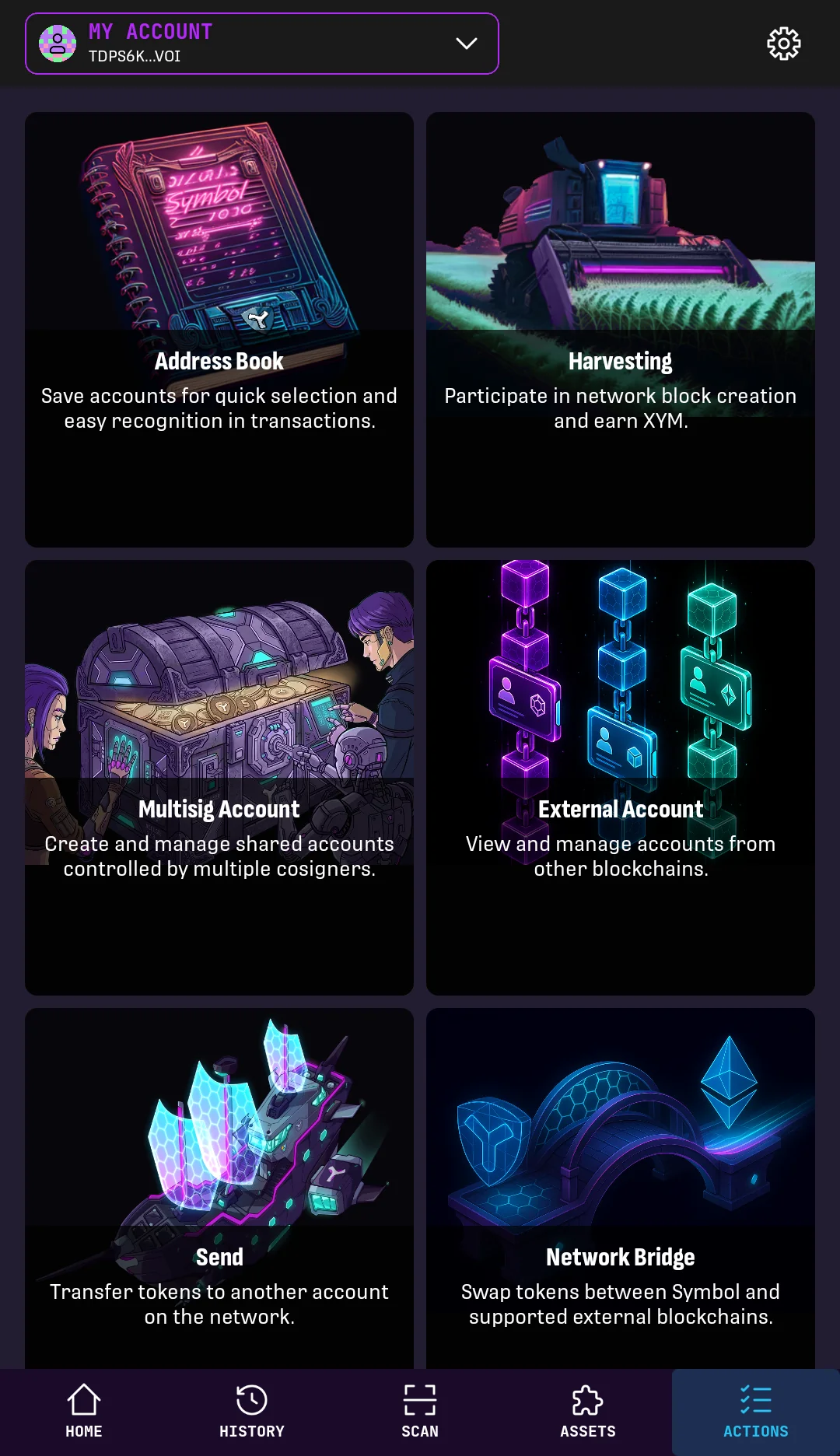
2. Tap Harvesting.
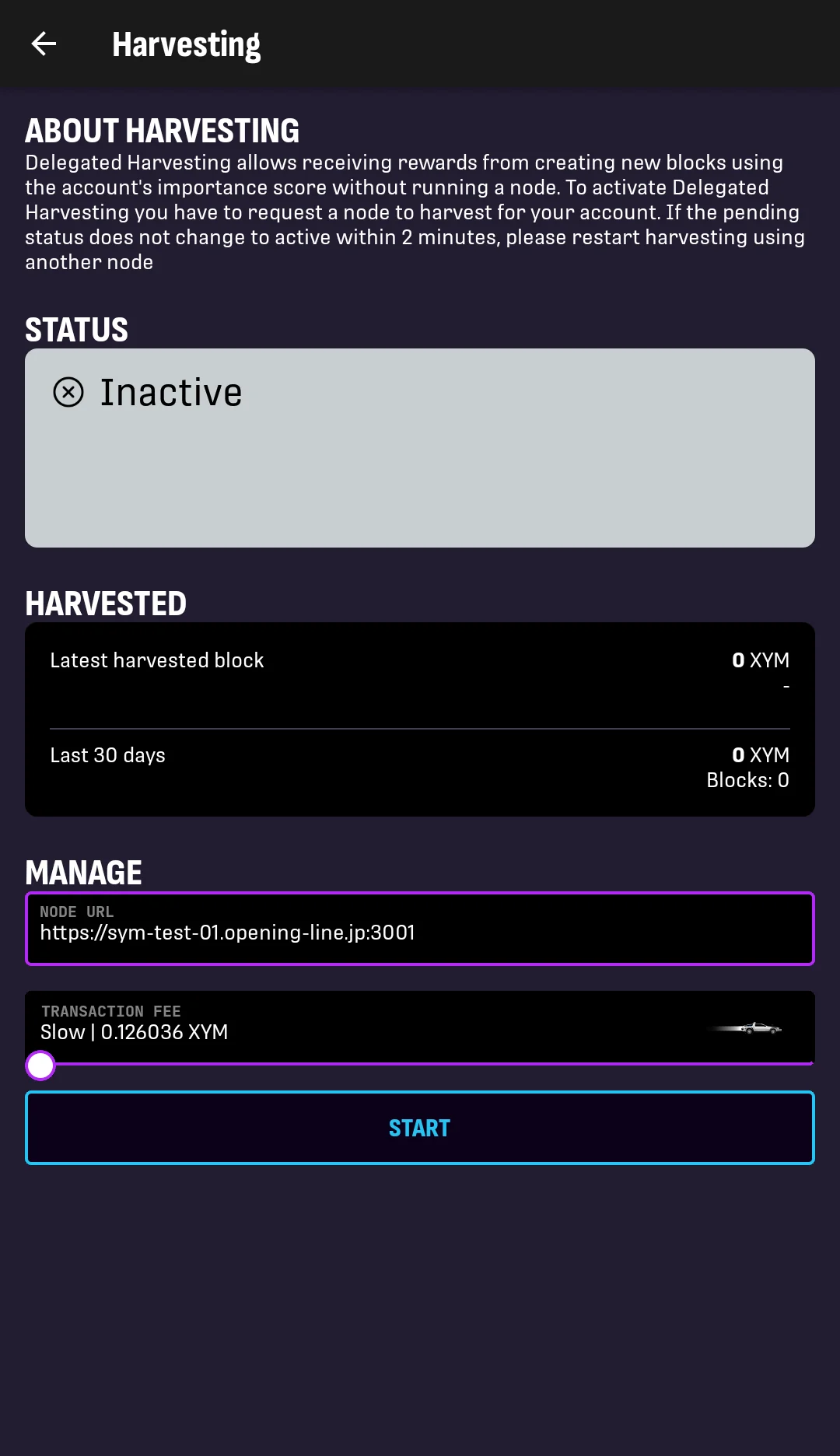
3. The Harvesting screen shows whether the selected account can start delegated harvesting.
If the NODE URL box and START button are shown, harvesting can be enabled.
Paste the node's API ENDPOINT into the NODE URL box, select the transaction fee, and tap START.
The fee only affects how quickly this activation transaction will be processed.
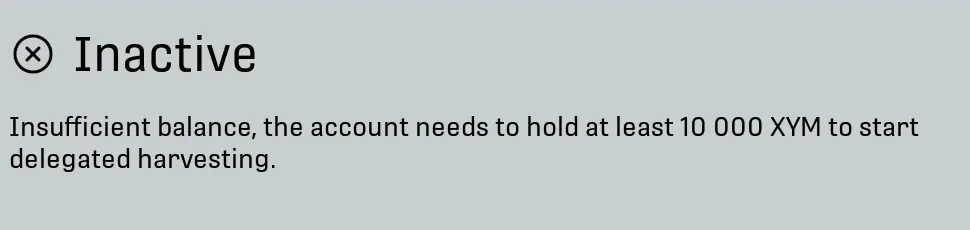
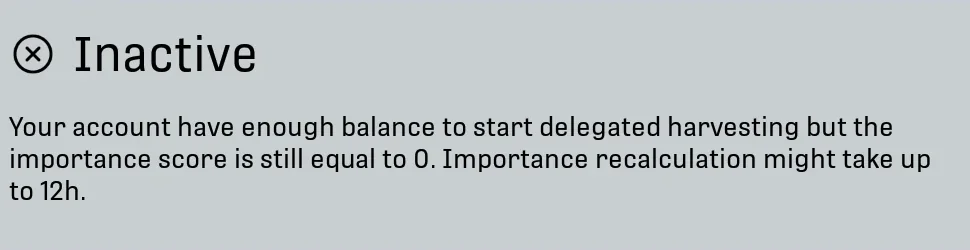
If harvesting is disabled
Harvesting may be disabled for different reasons:
-
If the account balance is lower than 10,000 XYM, add more funds before continuing.
-
If the account has enough balance but its importance is still too low, wait for the importance calculation to update. Importance lags behind balance changes. See Importance for the recalculation delay.
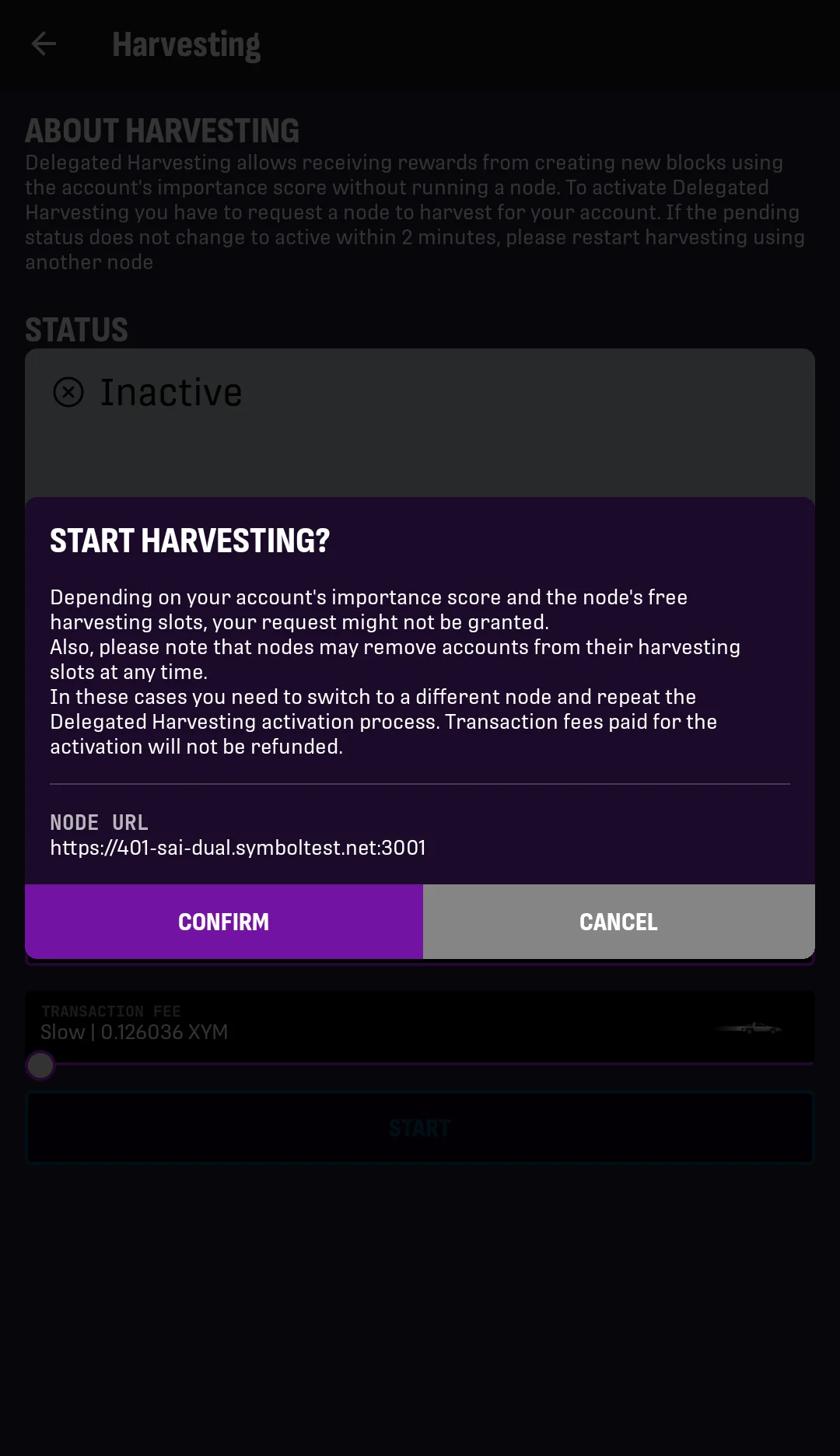
4. Review the confirmation message.
If everything is correct, tap CONFIRM.
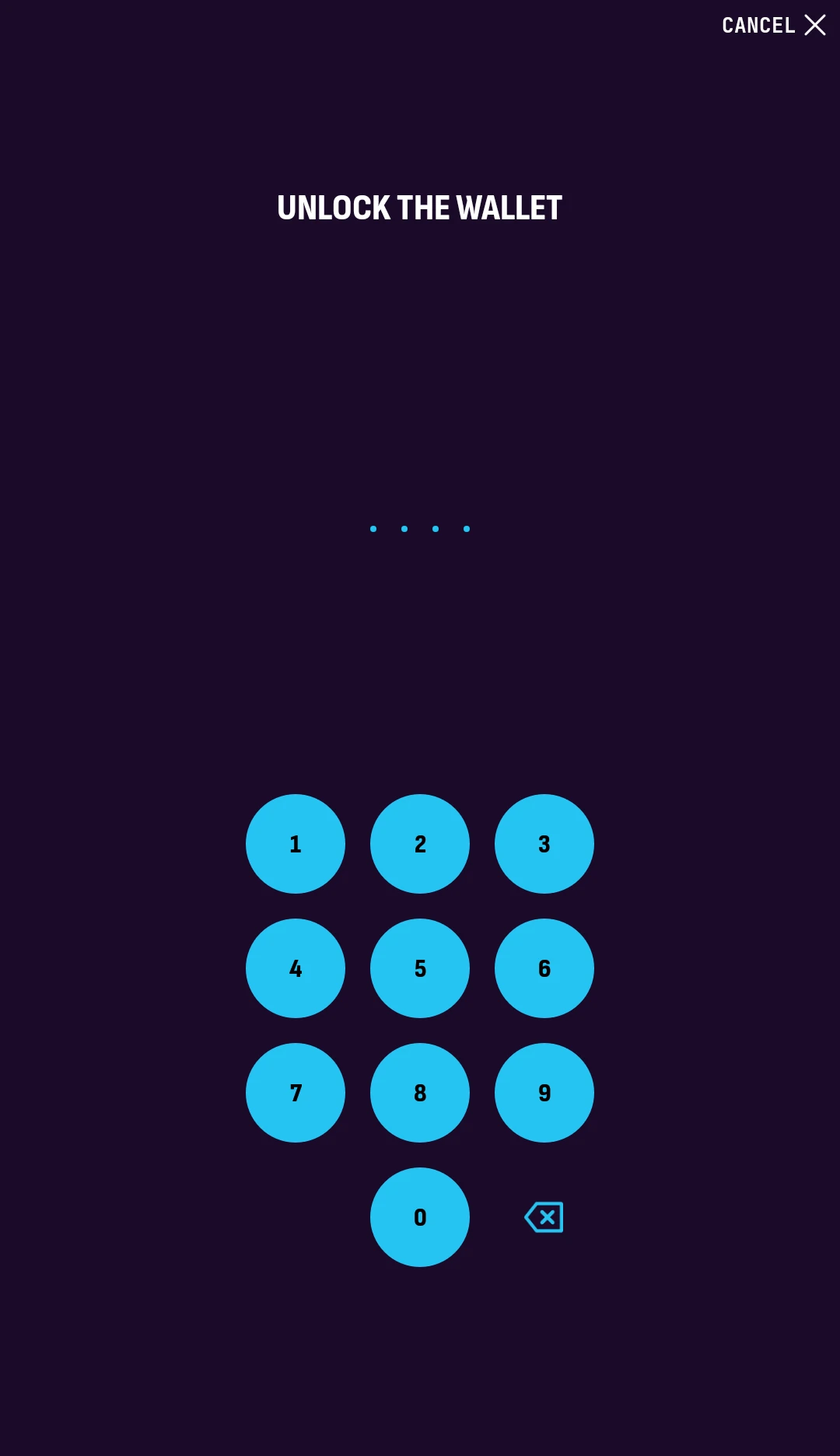
5. Enter your PIN code to unlock the wallet and authorize the transaction.
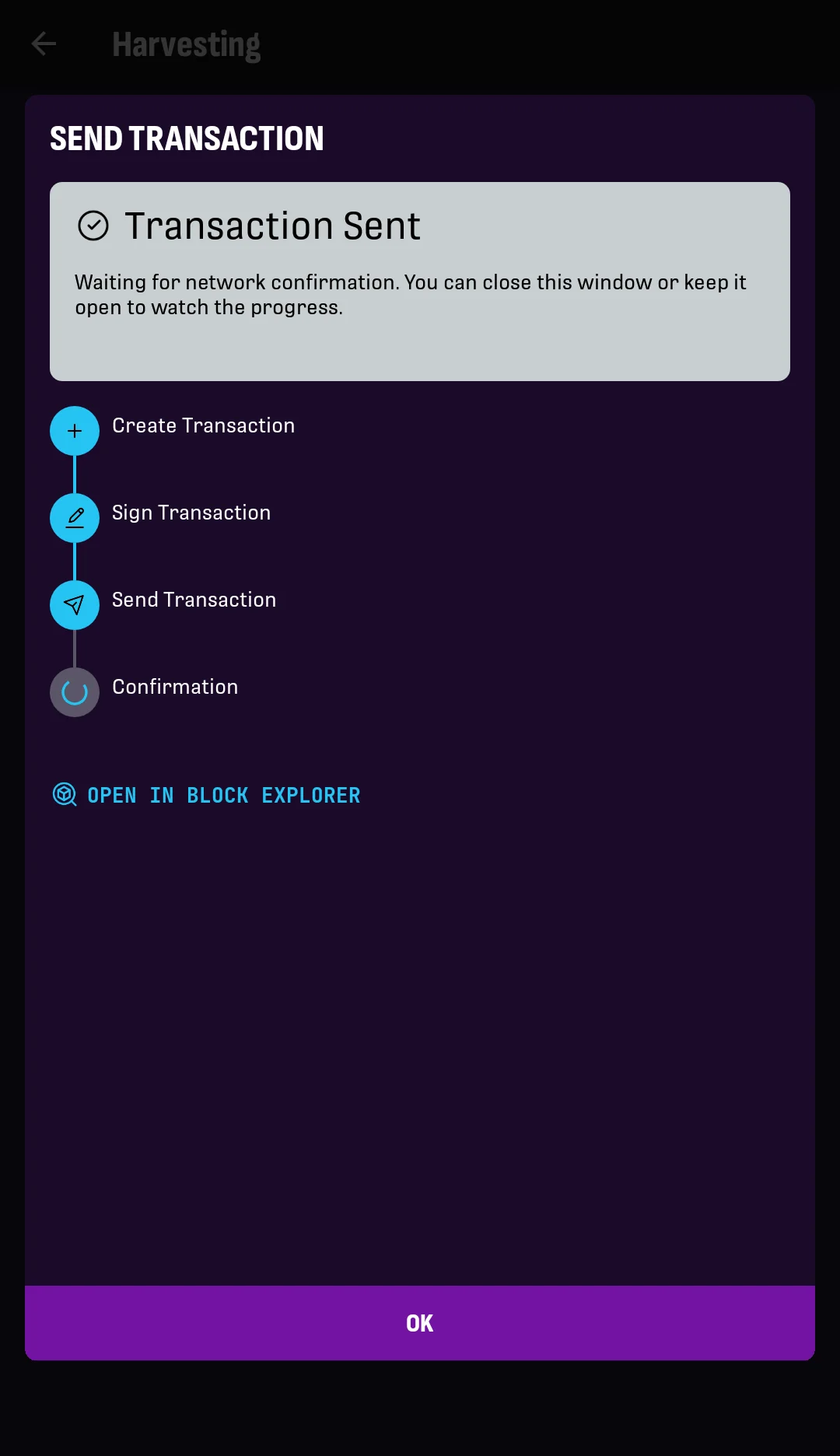
6. Wait while the app creates, signs, announces, and confirms the transaction.
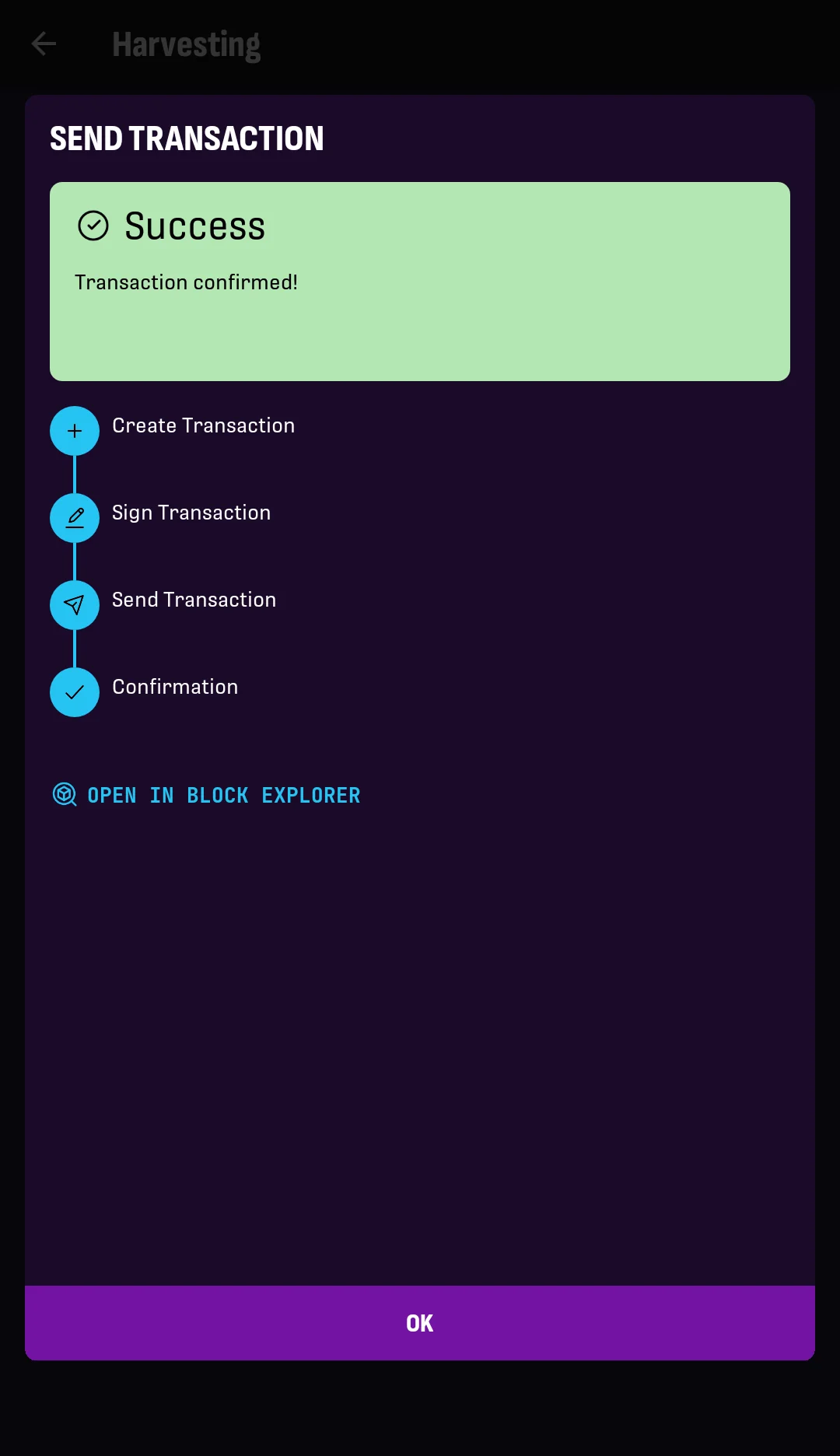
7. The app shows a success message when the transaction is confirmed.
Tap OK.
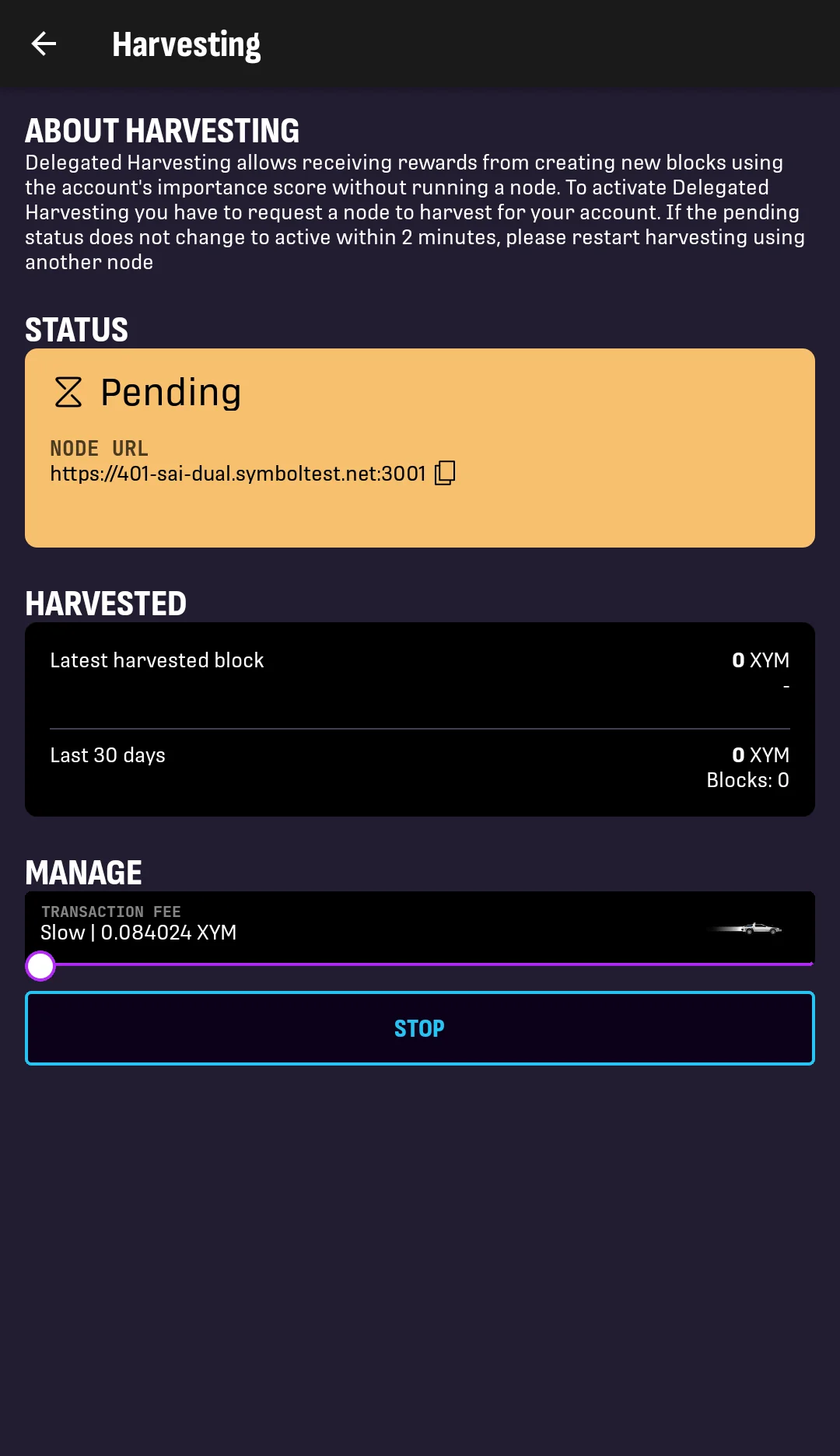
8. You are taken back to the Harvesting screen.
Wait for the node to accept the delegated harvesting request.
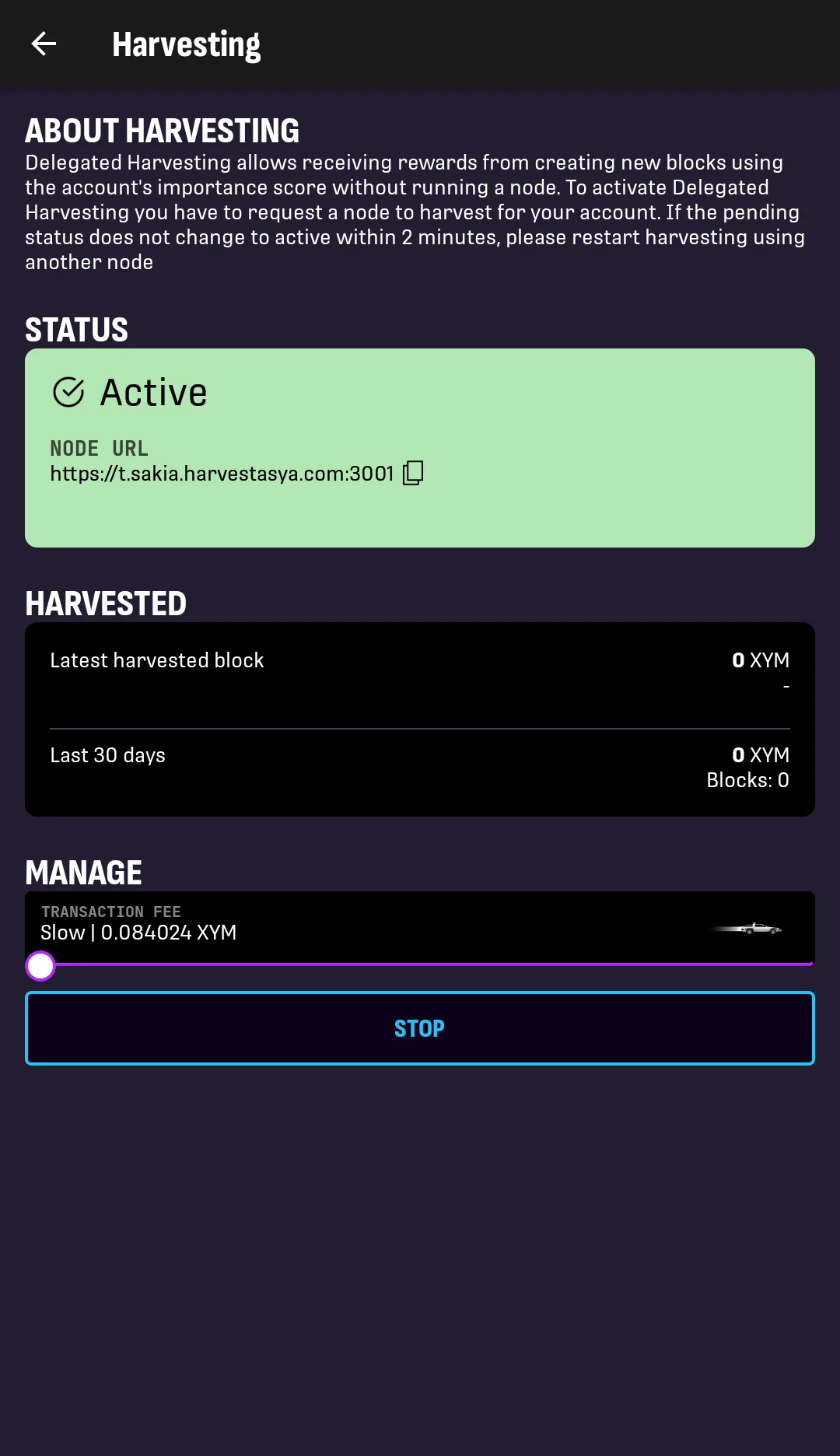
9. When the request is accepted, the account status changes to Active.
Your account can now harvest blocks and earn rewards proportionally to its importance, which is roughly proportional to its balance. See Harvesting for details.