Creating an Account⚓︎
This page explains how to add another account to the active wallet in the Symbol Mobile Wallet App.
Accounts created this way are seed accounts. They are derived from the wallet's mnemonic phrase, so the same wallet backup can recover them later.
If you want to bring an existing account from another wallet, you will need its private key and the Importing an Account tutorial instead.
Prerequisites⚓︎
-
Make sure you have installed the Symbol Mobile Wallet. If you have not done that yet, see the Installing the App guide.
-
You must already have a wallet set up and unlocked in the app. See Creating a Wallet or Importing a Wallet if needed.
How to Create an Account⚓︎
Follow these steps to add a seed account to the active wallet:
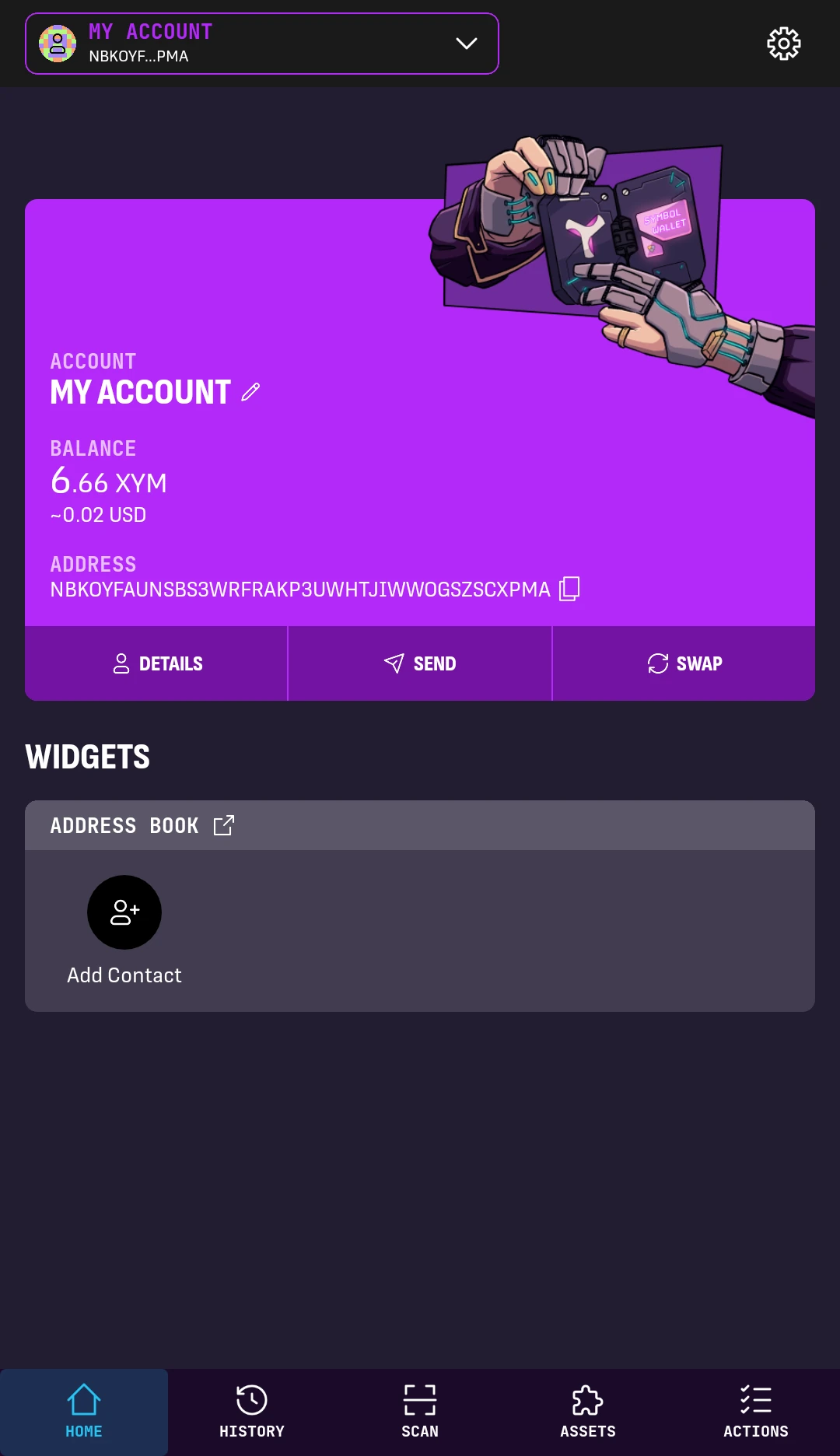
1. From the wallet's HOME screen, tap the account dropdown at the top-left.
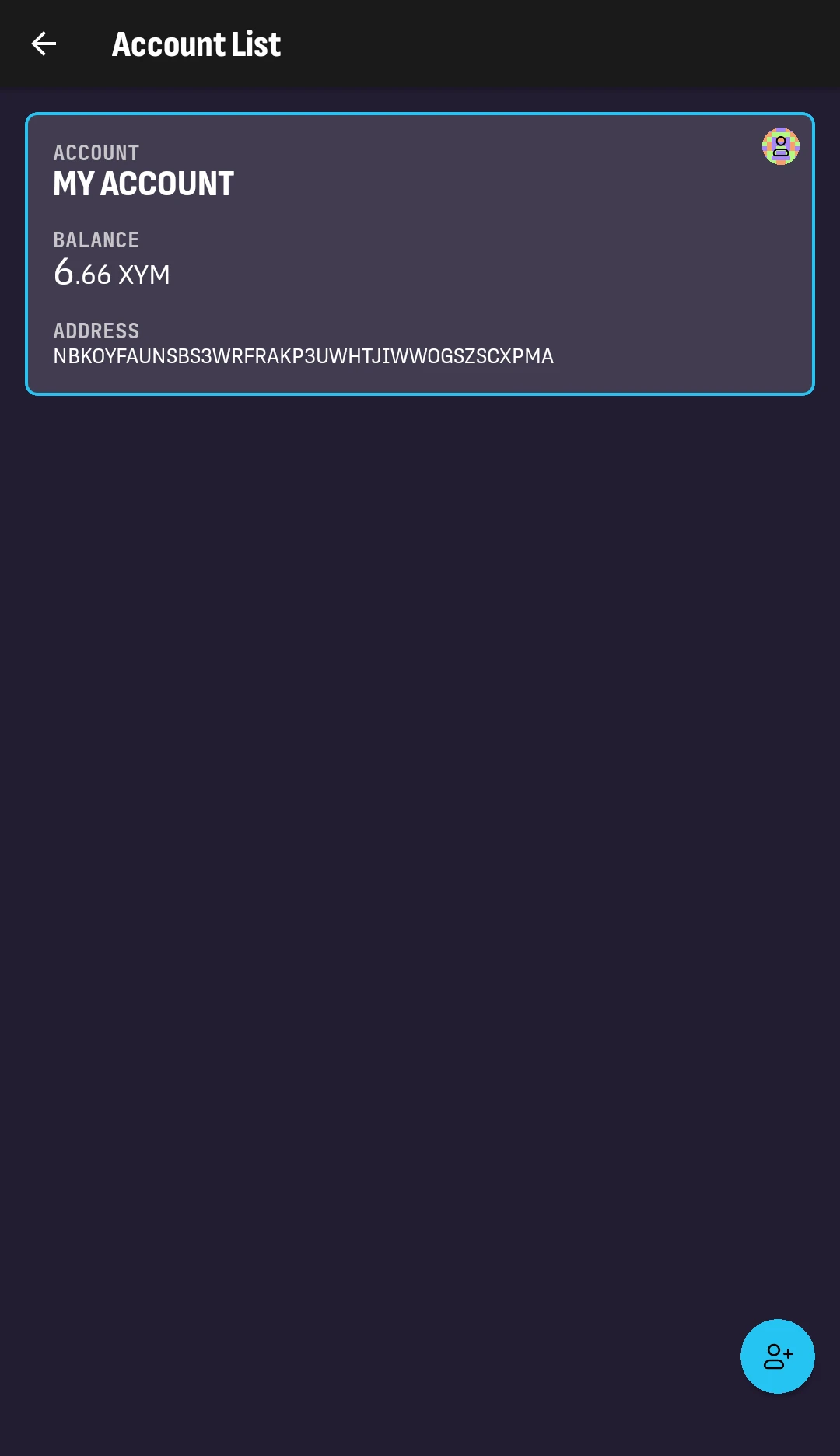
2. Tap the Add Account button in the bottom-right corner.
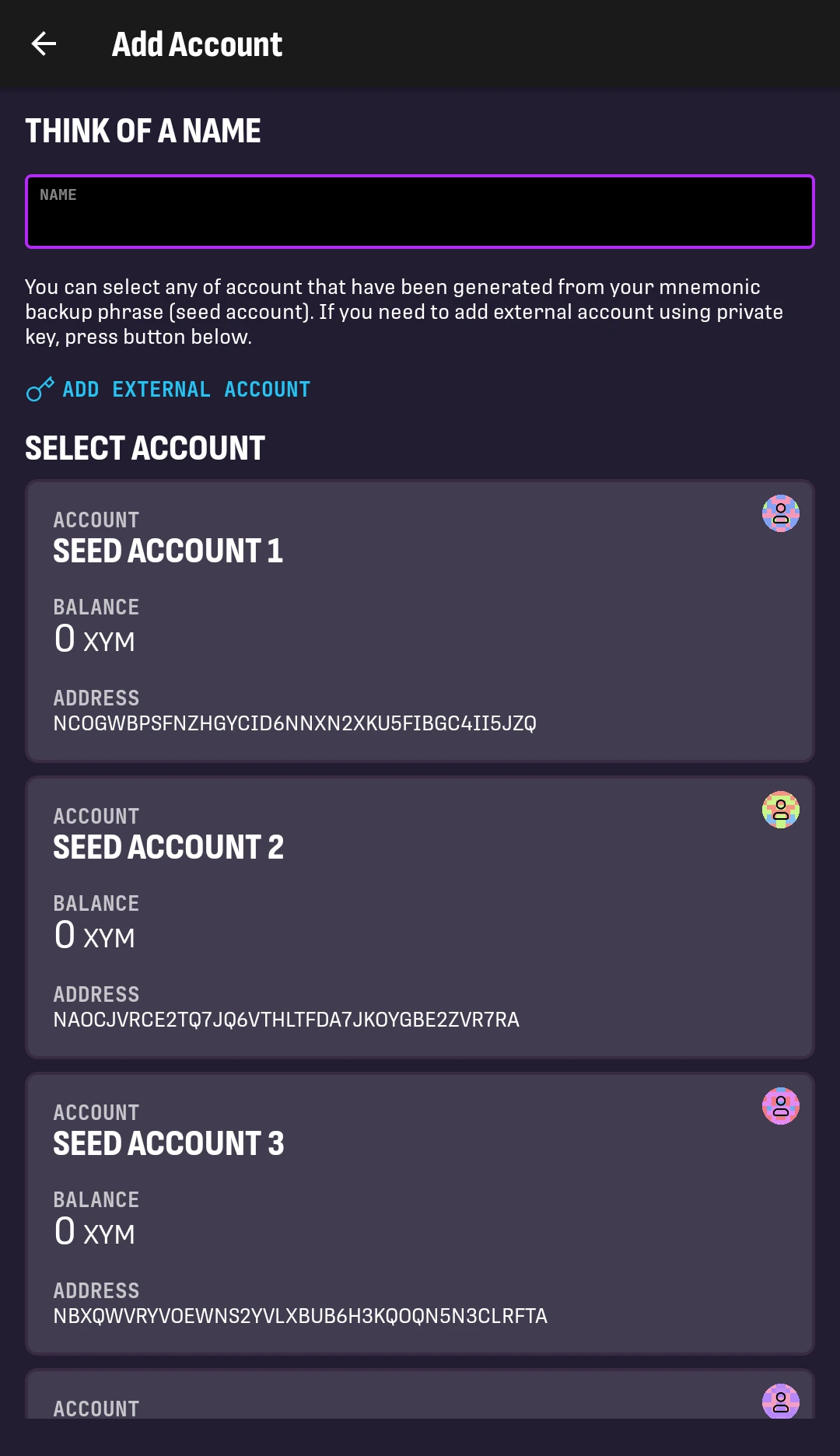
3. Enter a name for the new account.
This label helps you recognize the account later.
Select one of the available seed accounts. All seed accounts shown here are derived from the wallet's mnemonic phrase.
The new account will be added to the account list:
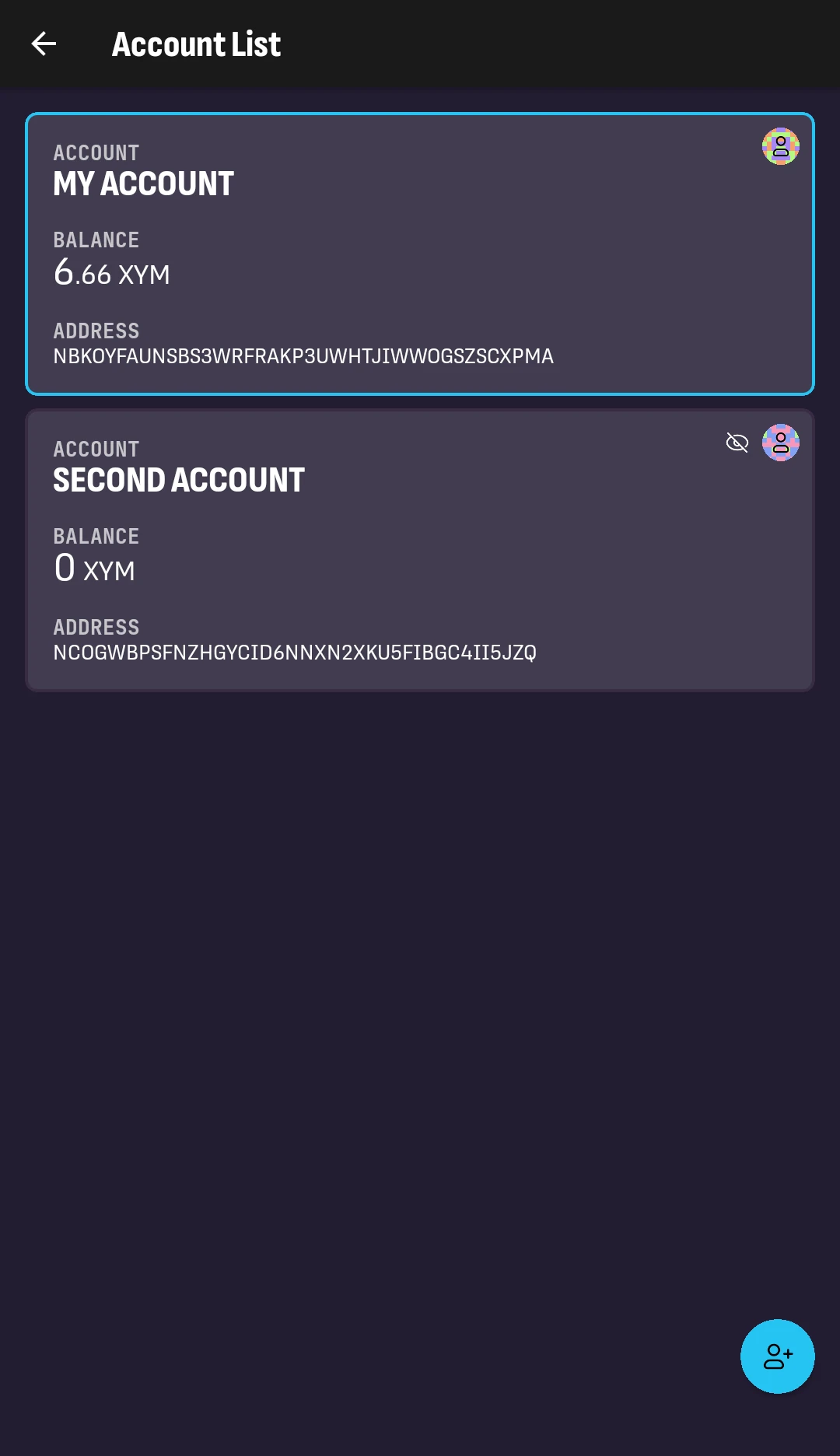
If the account has any balance, it will be shown in the account list.
Next Steps⚓︎
Your new account is now ready to use. Select it to start using it.
- You can switch between accounts from the account dropdown on the HOME screen.
- Follow Deleting an Account if you want to hide a seed account from the account list.
- Follow Exporting a Wallet if you still need to back up the wallet's mnemonic phrase.