Symbol Mobile Wallet⚓︎
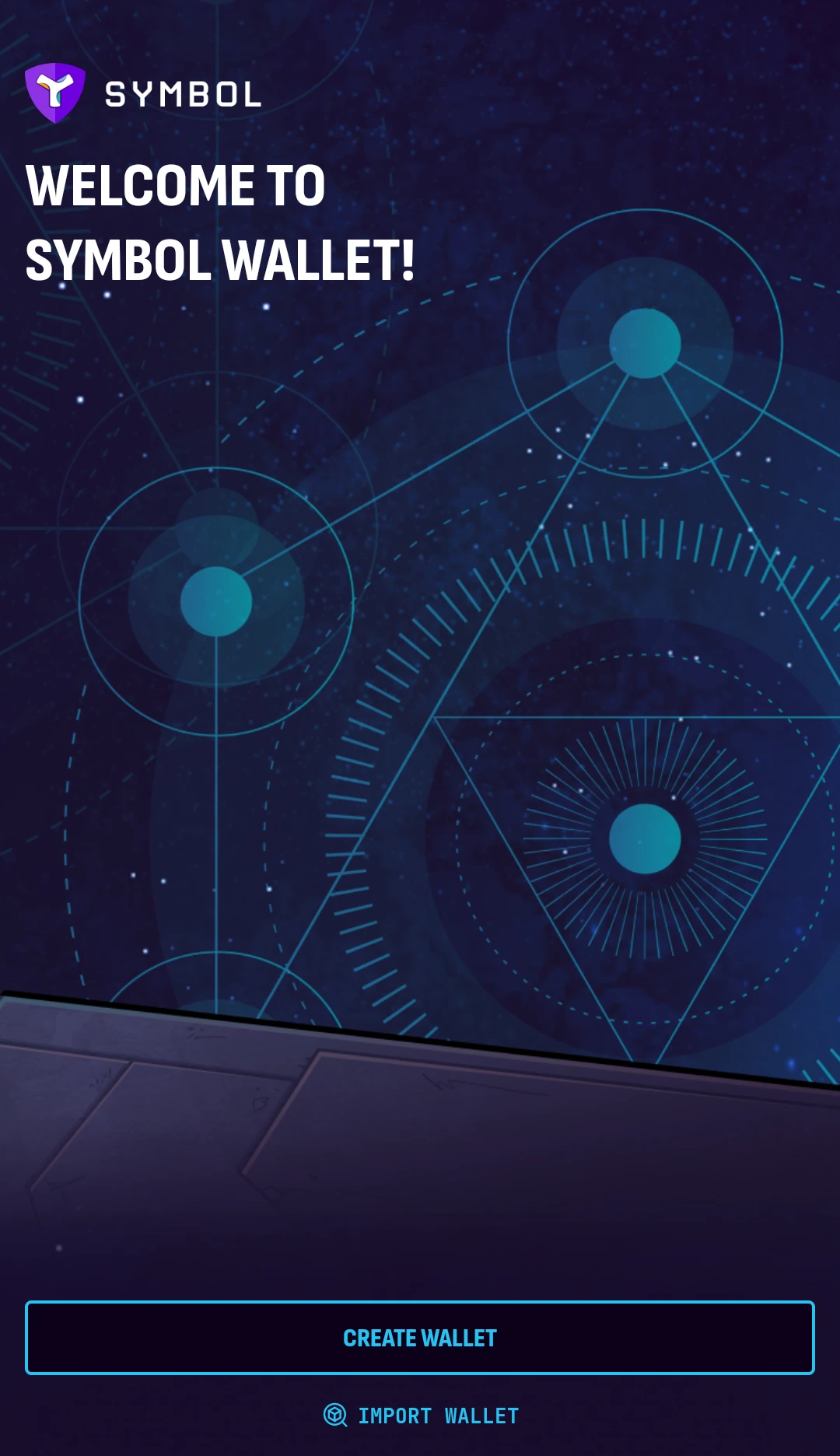
The Symbol Mobile Wallet is an application used to interact with the Symbol blockchain from an Android or iOS device. It allows its users to manage multiple accounts, send and receive transactions, bridge XYM tokens to other blockchains, and more.
Wallets and Accounts⚓︎
In the Symbol Mobile Wallet App, a wallet is the local setup that stores the information needed to manage one or more accounts on your mobile device. It is similar to a profile in the Symbol Desktop Wallet.
Each wallet includes:
- A mnemonic phrase, from which any number of seed accounts can be derived.
- One or more accounts managed by the app, including seed accounts and external accounts.
- A PIN code to protect access to the wallet on the device.
- Seed account
- An account derived from the wallet's mnemonic phrase. Seed accounts are restored together when the wallet is imported from that phrase.
- External account
- An account imported into the app from a private key. External accounts are not restored from the wallet's mnemonic phrase and must be backed up separately.
Where to Start⚓︎
- If you have not installed the app yet, follow Installing the App.
- To create a new wallet, follow Creating a Wallet.
- To restore a wallet from a mnemonic phrase, follow Importing a Wallet.
- To add an account from a private key, follow Importing an Account.